How to Host a Meyer Night Online
Meyer was made for evenings around a table — in a Danish værtshus, a student kitchen, a summer house. When your friends are in different places, a shared online table is the next best thing. This guide walks through hosting one on MeyerLive3D, from the first tap to the last life.
Before you start
- Players: a table seats two to six. Three to five is the sweet spot: enough for the claims to climb, few enough that everyone gets a turn often.
- Devices: any modern browser on a phone, tablet or computer, with nothing to install. Older tablets that cannot run the 3D table get a lighter 2D version with the same rules.
- Talking: camera and microphone are built in, but both start switched off and the browser is not even asked for permission until a player turns them on. If your group already uses a video call, keep it running alongside.
Step 1: create the table
Open the site and tap Play Meyer!.
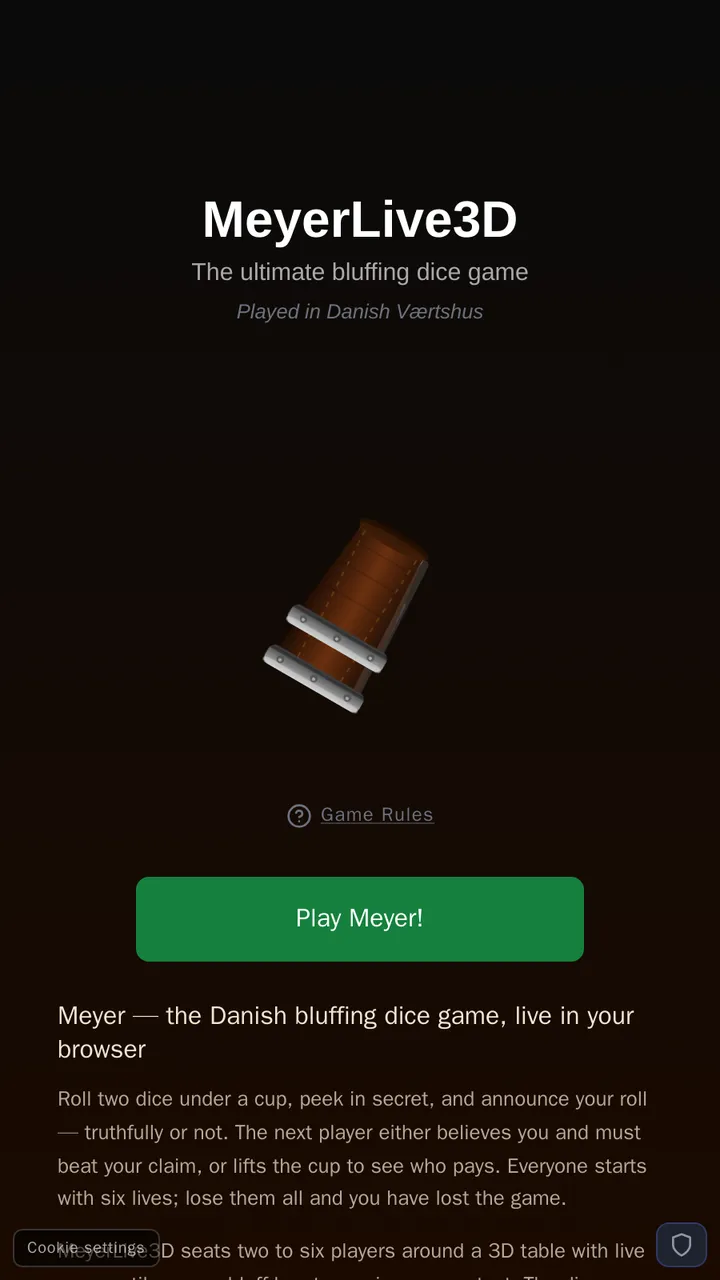
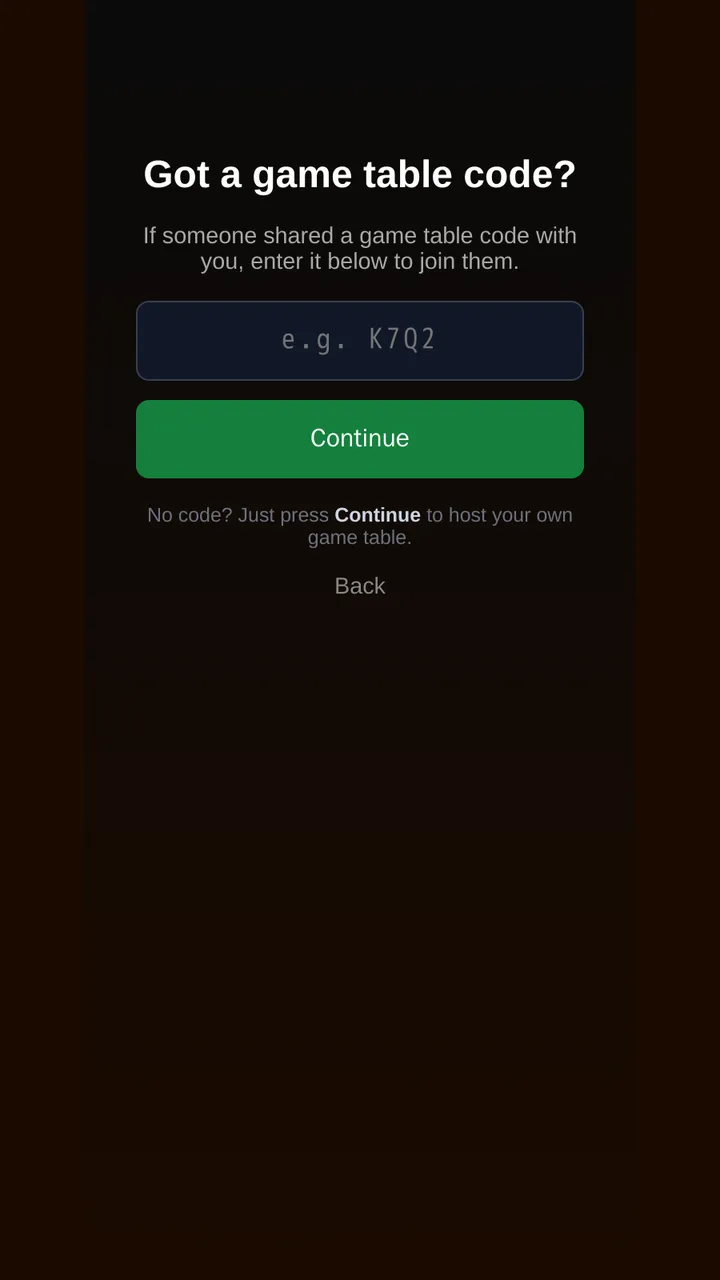
The next screen asks for a game table code. As the host you don't have one: leave the field empty and press Continue to open a new table. Then play as a guest with just a nickname, or sign in with a free account to keep your name between game nights.
Step 2: share the code
Your table is ready, and its short code is shown in large letters. Send it however suits your group: Copy it into a chat, or use the share buttons for a QR code (handy when a friend is in the same room), SMS or email.
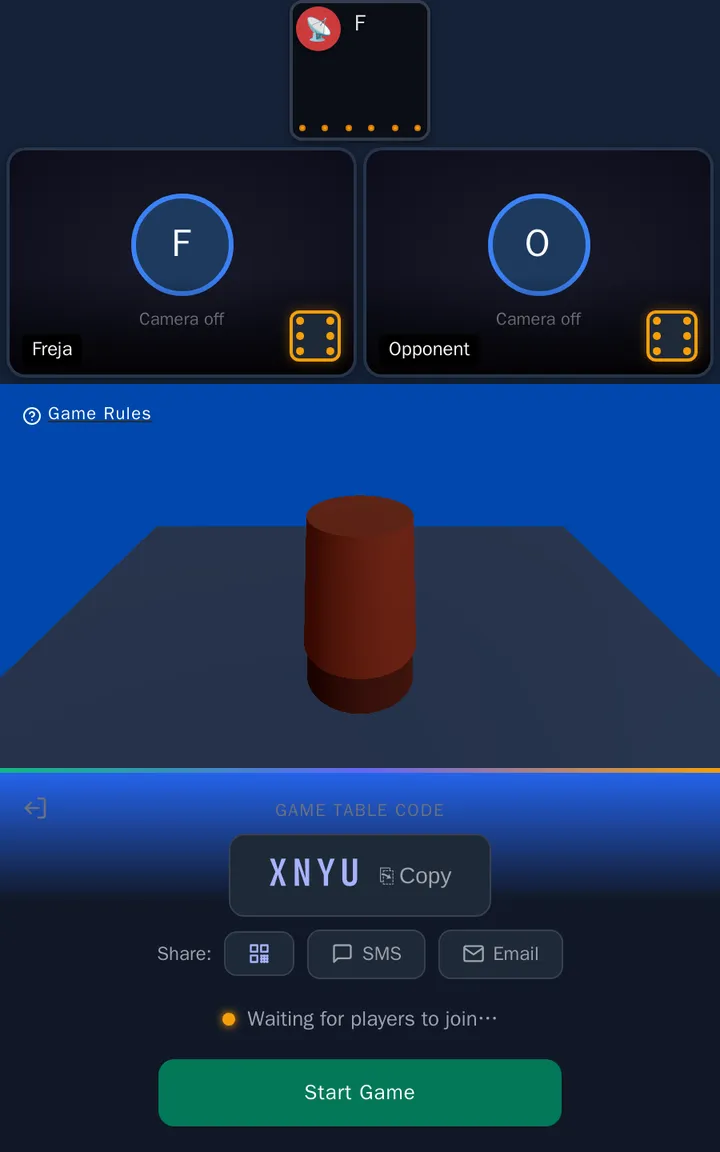
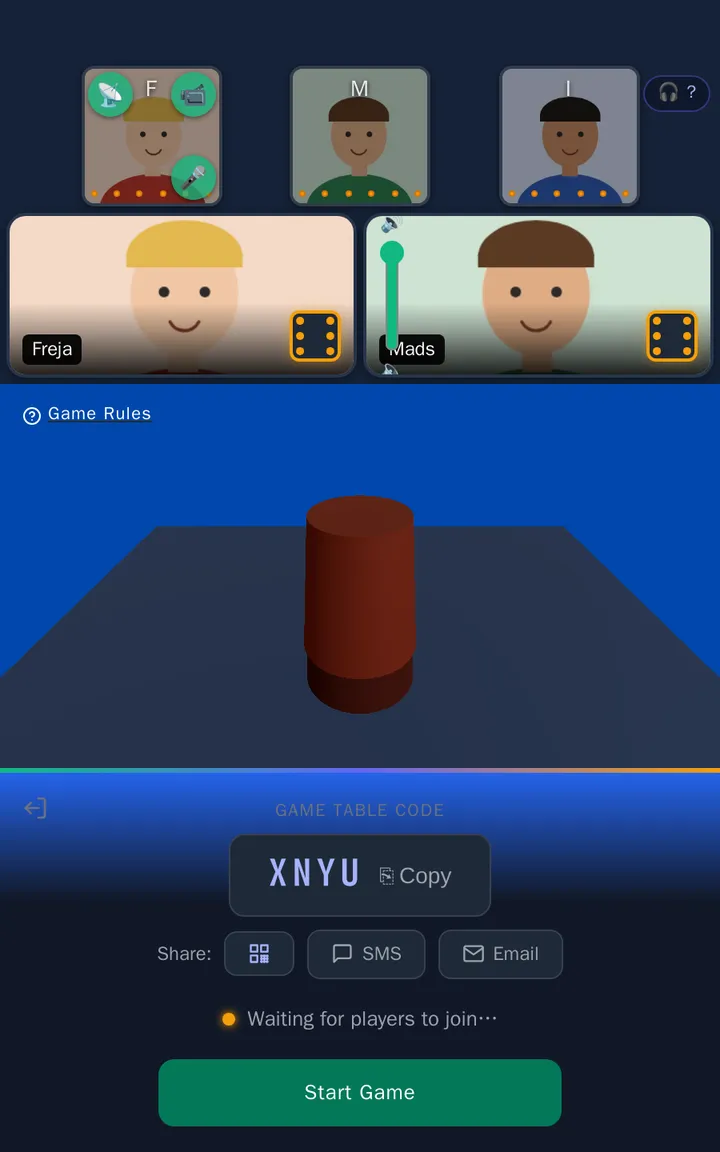
As friends arrive, their seats appear at the top of the table. When everyone is in, press Start Game. Latecomers can still join a game in progress; they take the next free seat.
Step 3: play
Once the game starts, each screen tells its player what to do: tap the cup to roll, tap again to peek, pick a claim, or decide whether to believe or lift. If your group is new to Meyer, play the first round slowly and talk it through — our round-by-round example shows what each player sees. The full rules are always one tap away under Game Rules on the table.
Everyone starts with six lives, shown as the die on their seat. The game ends when someone has lost them all.
If someone drops out
Phones ring, trains enter tunnels, people switch apps. MeyerLive3D holds a disconnected player's seat for a couple of minutes so they can come back. If the table is waiting on that player — it is their roll or their decision — everyone else sees who the table is waiting for.
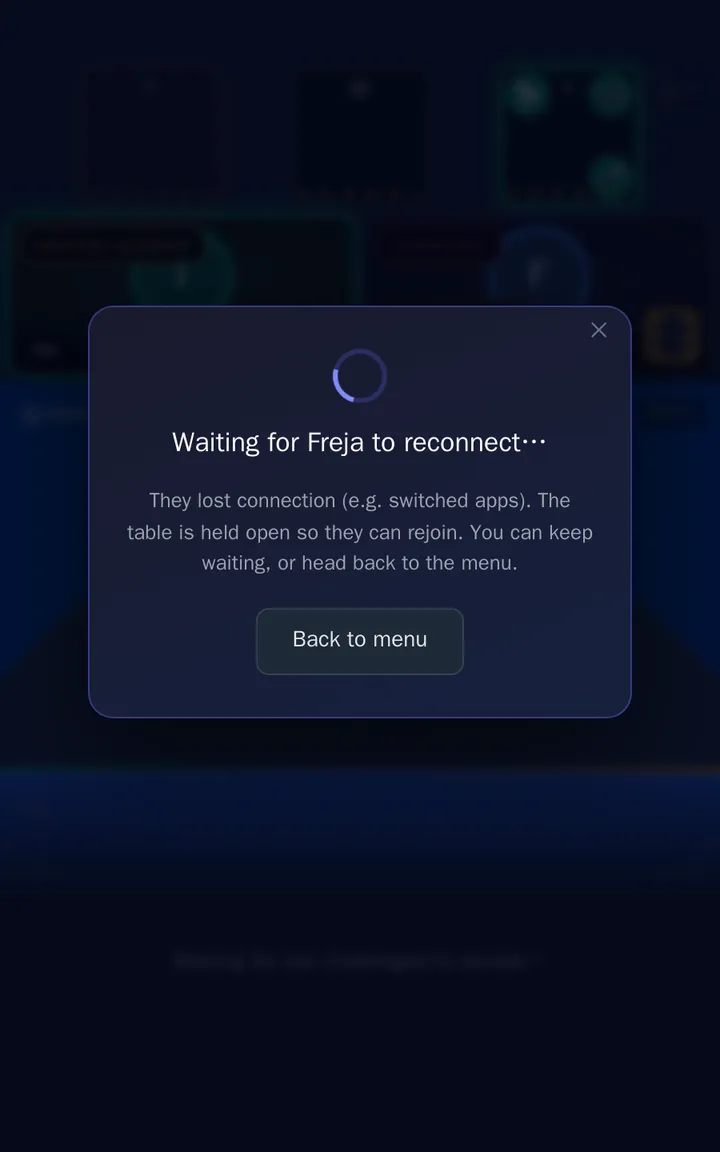
The returning player opens the site again in the same browser and is put back in their seat. If they don't return in time, the game moves on rather than stalling the evening.
House rules and etiquette
- Agree on stakes up front. At Scandinavian tables the loser traditionally buys the next round or does the dishes. Whatever you choose, decide before the first roll.
- Cameras are optional. Bluffing is more fun when you can see faces, but nobody should feel pressed to switch theirs on.
- Keep the pace up. A decider has a countdown; if it runs out, the claim is believed for them (or, for a Meyer claim, lifted). It keeps the game moving when someone wanders off to the kitchen.
That's all there is to it. Open a table, send the code, and find out who blinks first.